Kapwing for Photo and Video Editing Perfection
I received the Kapwing photo and video editing software in exchange for my fair and honest review; all opinions are my own.
In travel blogging, our purpose is to showcase places that you may want to visit and highlight how to enjoy your memories once you return home. From an $8.00 National Park Passport Book to tips on taking quality photos and videos, it is usually the smallest mementos that mean the most. Pictures and videos are by far my favorite keepsakes from trips, and I want to keep them in the best condition possible, even digitally.
I often get questions about taking pictures while traveling. I use my iPhone when snapping photos because I do not want to be weighed down with heavy equipment.
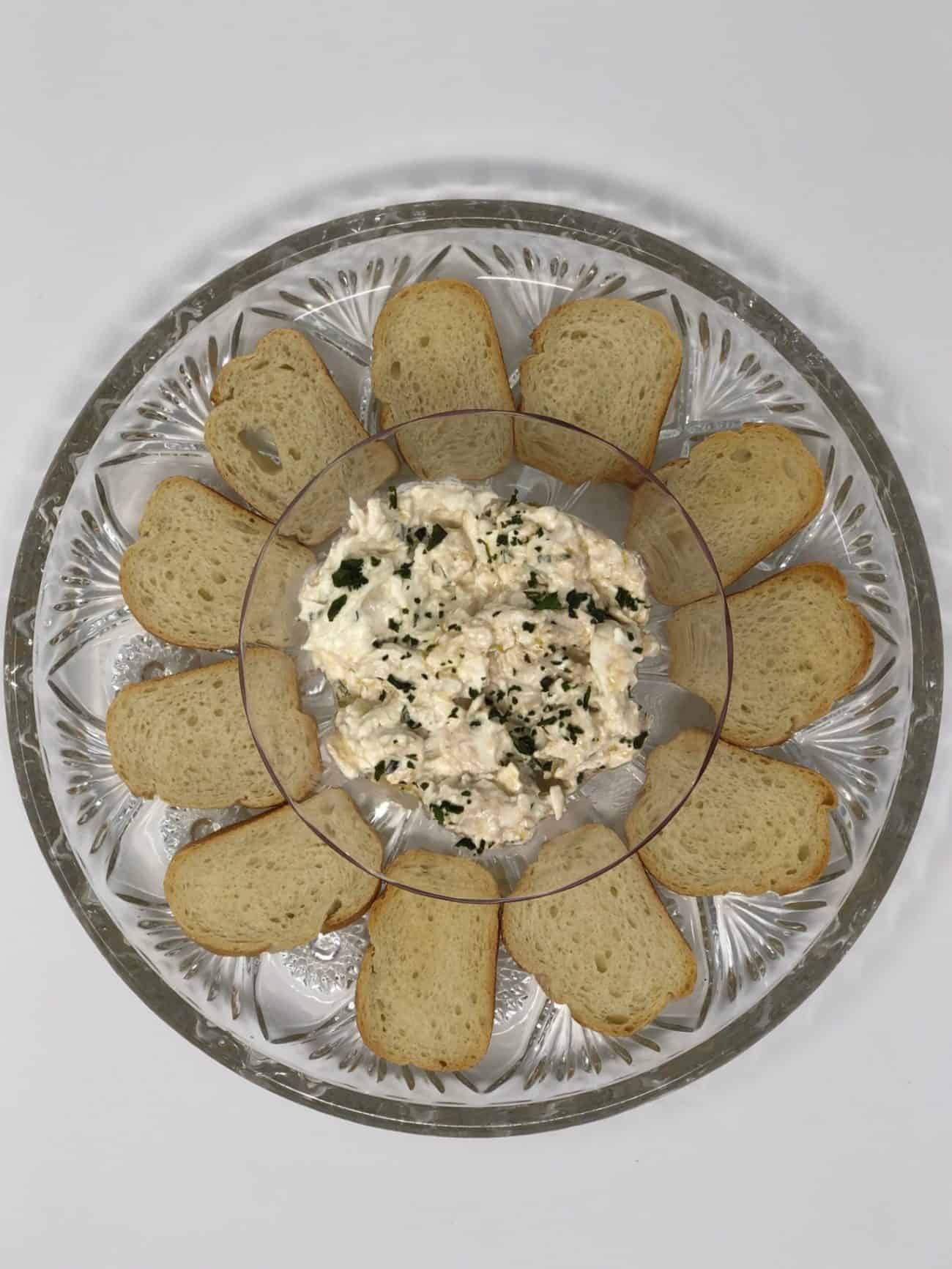
The iPhone takes excellent pictures, but I often need software to help with editing. Here is an example. My article, Easy and Gourmet: Burrata and Crostini, has forever scarred my picture-taking soul. The photos I shot of this cheesy deliciousness were extremely challenging, especially in regulating the proper lighting.
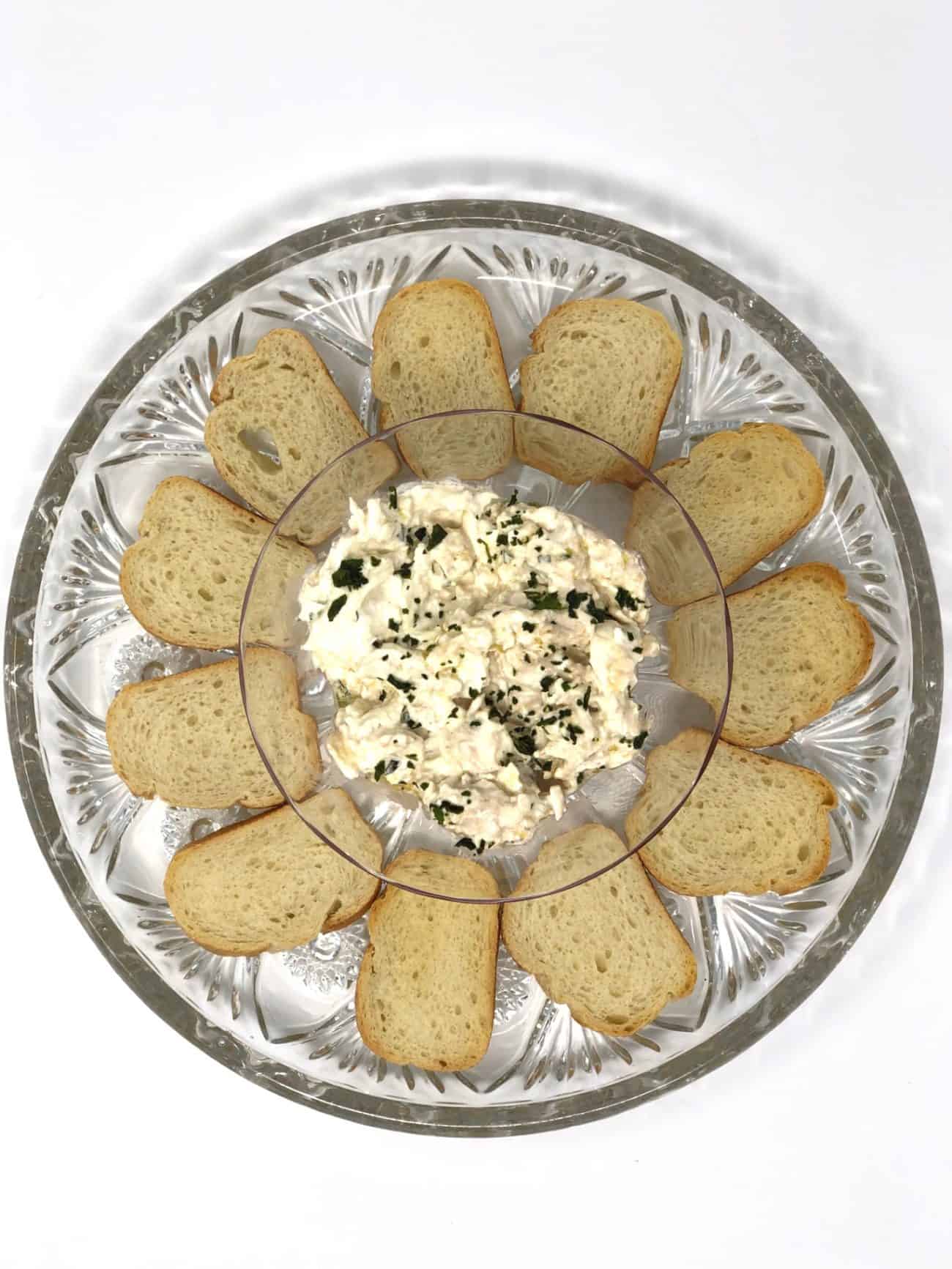
I have found video editing problematic. I am often embarrassed when inserting videos shot with an iPhone, especially older videos that I took when I was not conscious of how the phone was turned. The infamous black bars on each side make for an unattractive clip. Nevertheless, if I took the time to take the video, I want our followers to watch it.
Kapwing Photo and Video Editing Software
I recently found Kapwing, a program that helps you edit your photos and videos easily. There are both free and premium versions, so you can turn your favorite picture into a canvas that hangs on your wall, or post a really cool video to Youtube or Facebook without the black lines.
In eight months of blogging, I have made some mistakes. Working with video footage has been difficult. I would use more videos if I knew how to edit them better. I am excited to use Kapwing’s resources to successfully edit, and for no cost, they can teach you too.
Let’s use my video from my article on Vacationing in White Sands and Alamogordo, New Mexico as an example.
I was torn with using this video. On the one hand, it was one of my best memories on our trip out west. On the other hand, however, I was petrified that the lines on each side of the video would deter people from viewing it. I actually tried editing that video for over two hours, with no success…. and I watched probably 20 Youtube videos.
Now I have found Kapwing, and I can now exchange all of my narrow videos for those that I can be proud to post. Here is how it works.
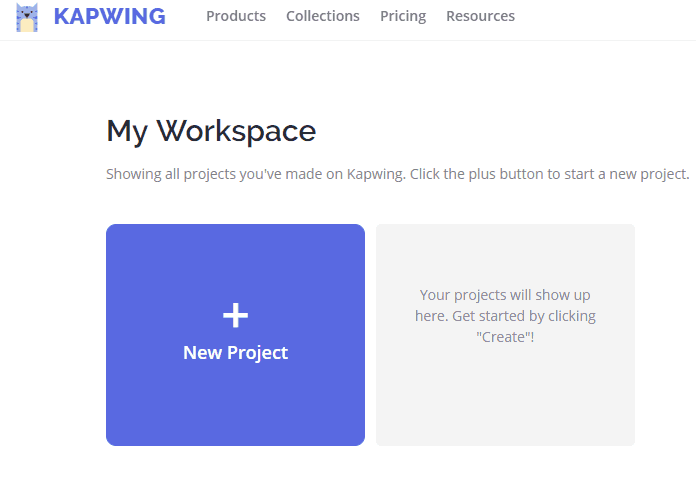
Create a new project. Then upload your video or photo that you would like to edit. In this example, I will use the video. Since my video is already uploaded on Youtube, all I have to do is paste in the URL.

When your video uploads, begin experimenting with different options that Kapwing offers.
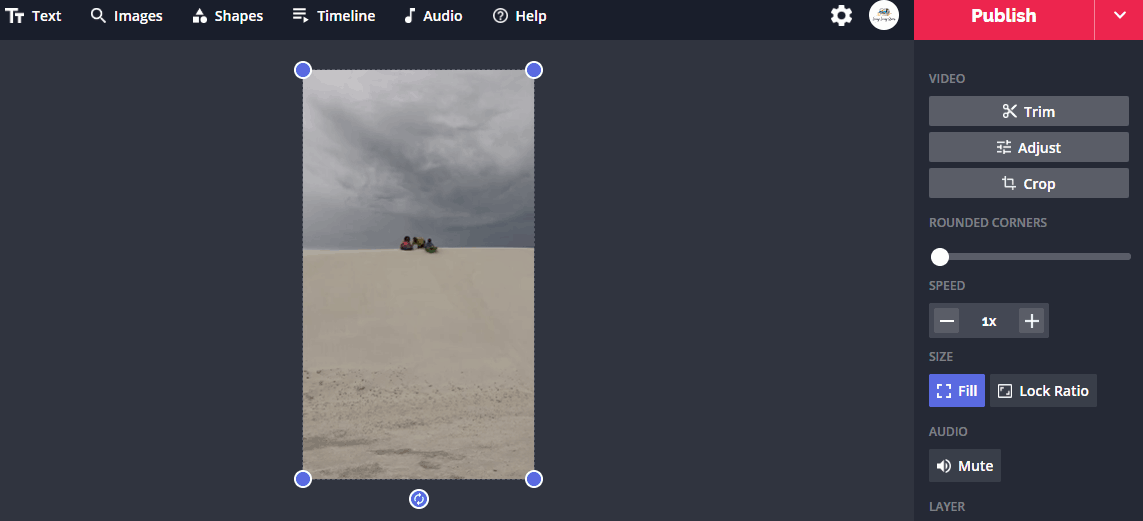
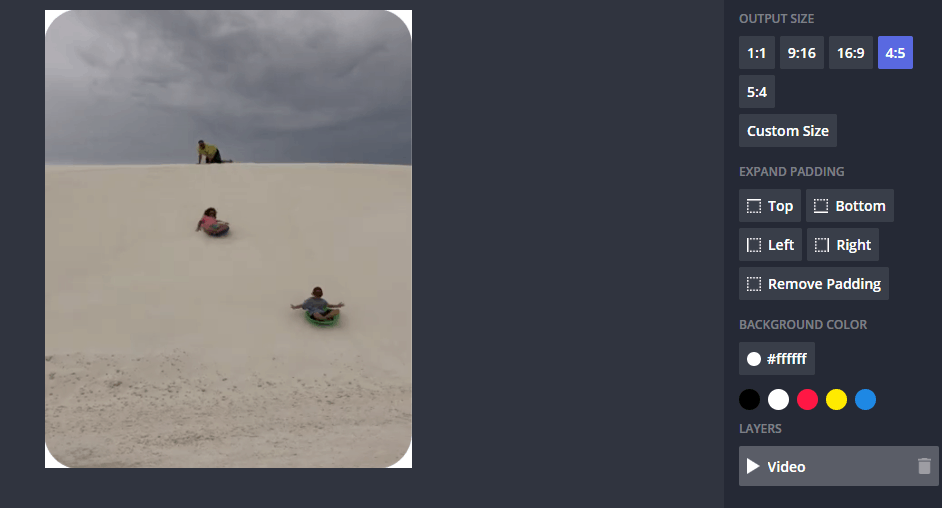
Create the size of the video frame you would like. In this case, I have also decided to add text and round the corners.
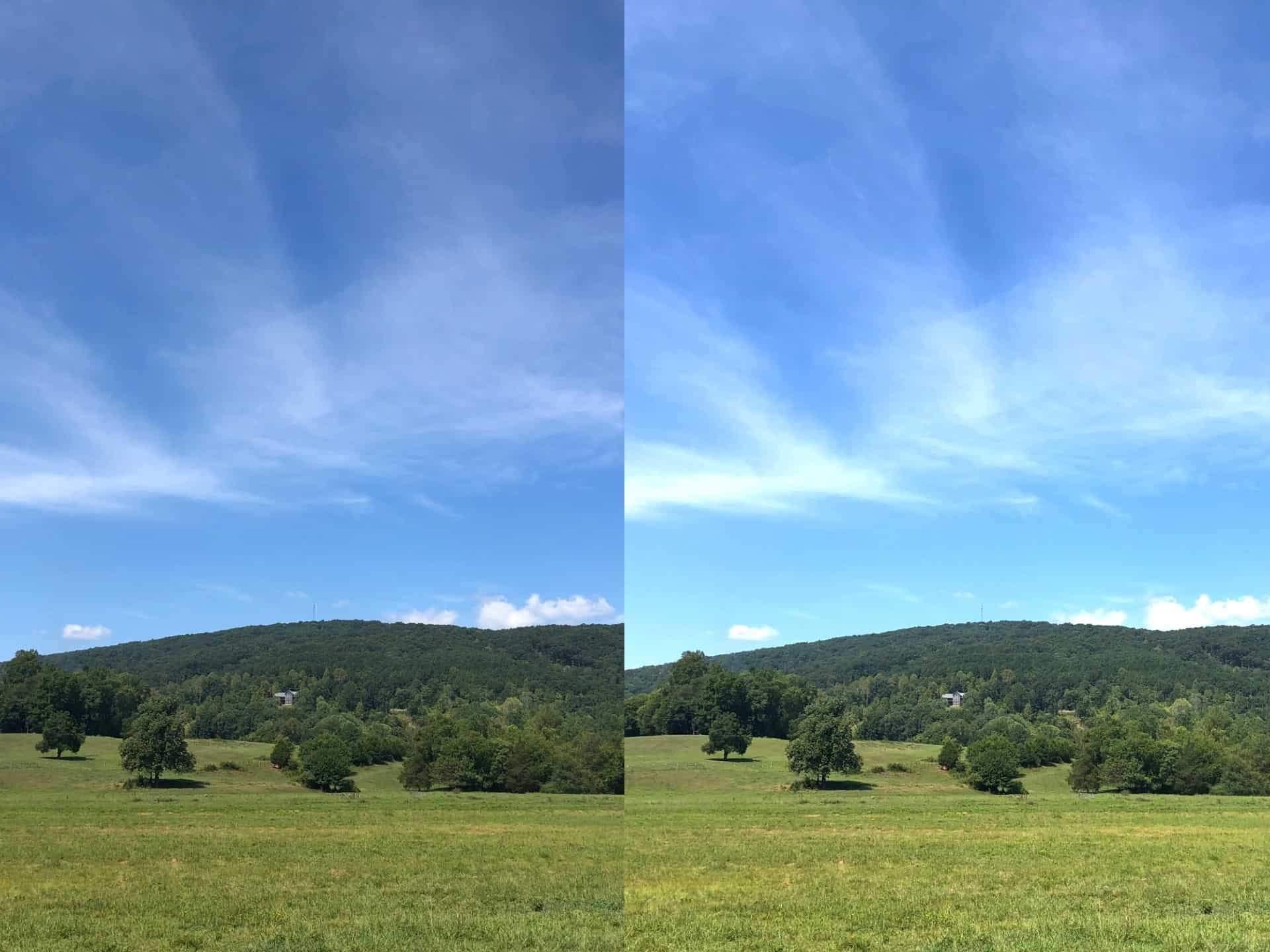
If the video is too long, you can trim it easily. Likewise, if the video is too dark, you can lighten it.
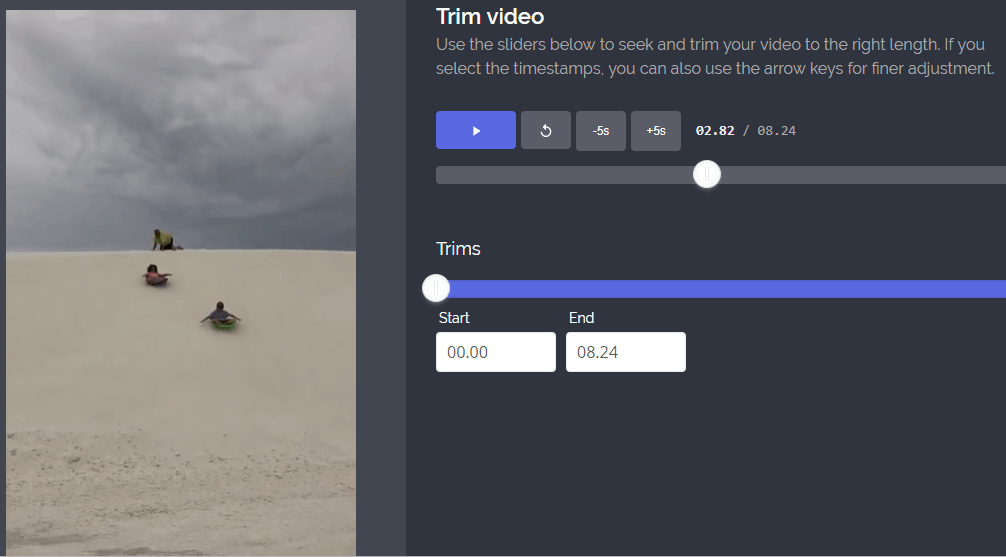
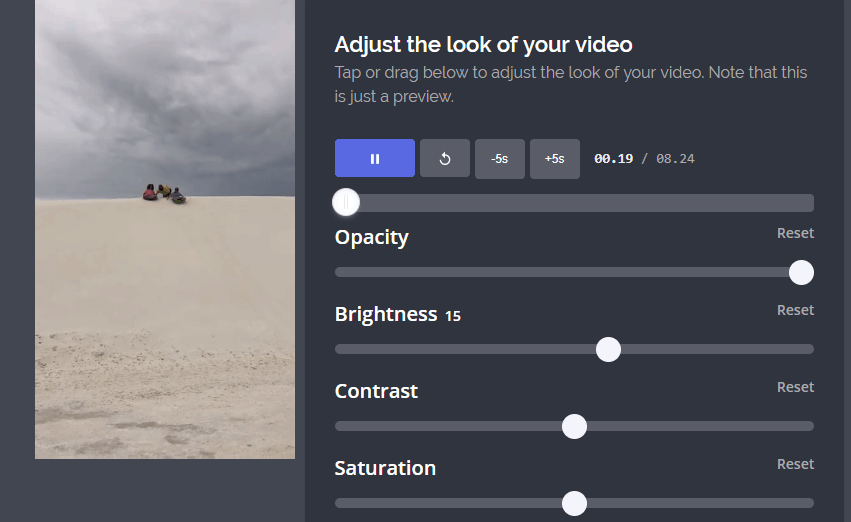
These are only the beginning of edits you can make to videos and pictures. I have spent hours upon hours unsuccessfully trying to research, yet with Kapwing, I can create a full framed video that I can be proud of in less than 30 seconds.
I can’t say enough about the editing power of Kapwing. Check out the clip to learn about their resources and products!
The Kapwing software lets you quickly complete any of the functions displayed below.

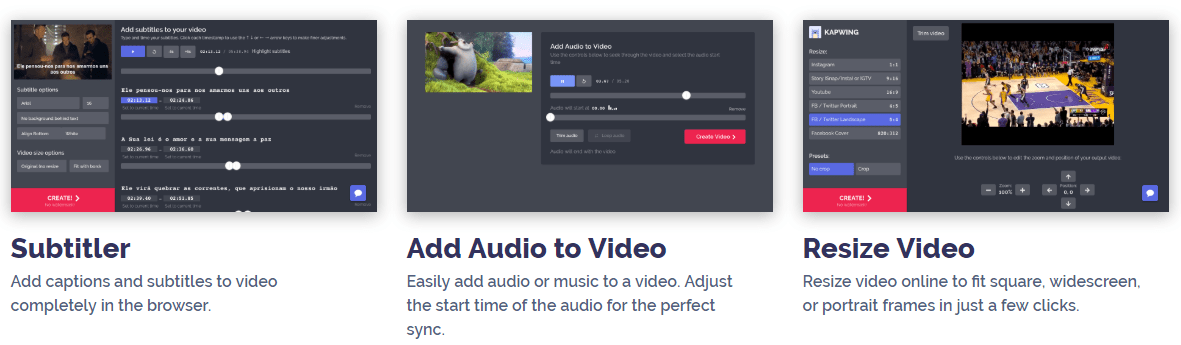



To check out Kapwing’s capabilities, click here.
Do you have pictures that you would like edited? Is the free or premium version of Kapwing right for you? Drop us a line in the comment section below!
Interested in blogging? Check out 7 Lessons that I Learned in a Year of Travel Blogging!